
Track every subscription and renewal date in one place, flag the ones you don't use, find the ones you forgot in your bank statement, and log the cashback you're actually earning.
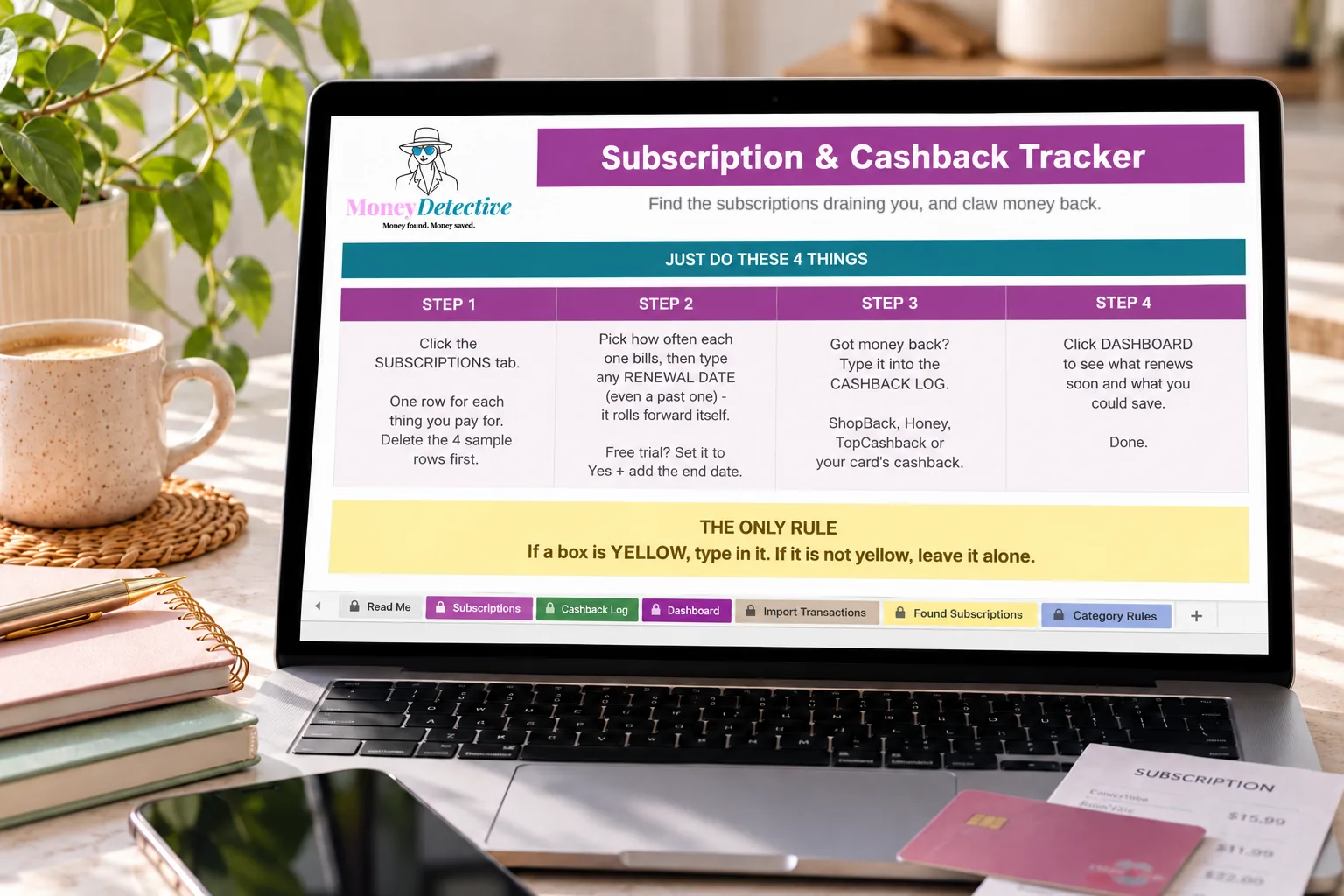
A free trial here, a forgotten gym membership there, small charges that never get reviewed.
Without a list in front of you, it's hard to spot what's actually worth cancelling.
Money's sitting in cashback accounts across platforms, never tallied up or actually claimed.
Cost, category, how often it bills and any renewal date you know. The next renewal rolls forward by itself.
Anything marked 'No' under Still Using It? is flagged as worth cancelling, with the yearly saving added up. Free trials can be tracked too.
Log every platform and purchase with a running total, then see what renews soon and what you could save.

See the true monthly cost of everything you're paying for, which ones are flagged as unused, and when each one next renews. Four examples are included for you to replace.
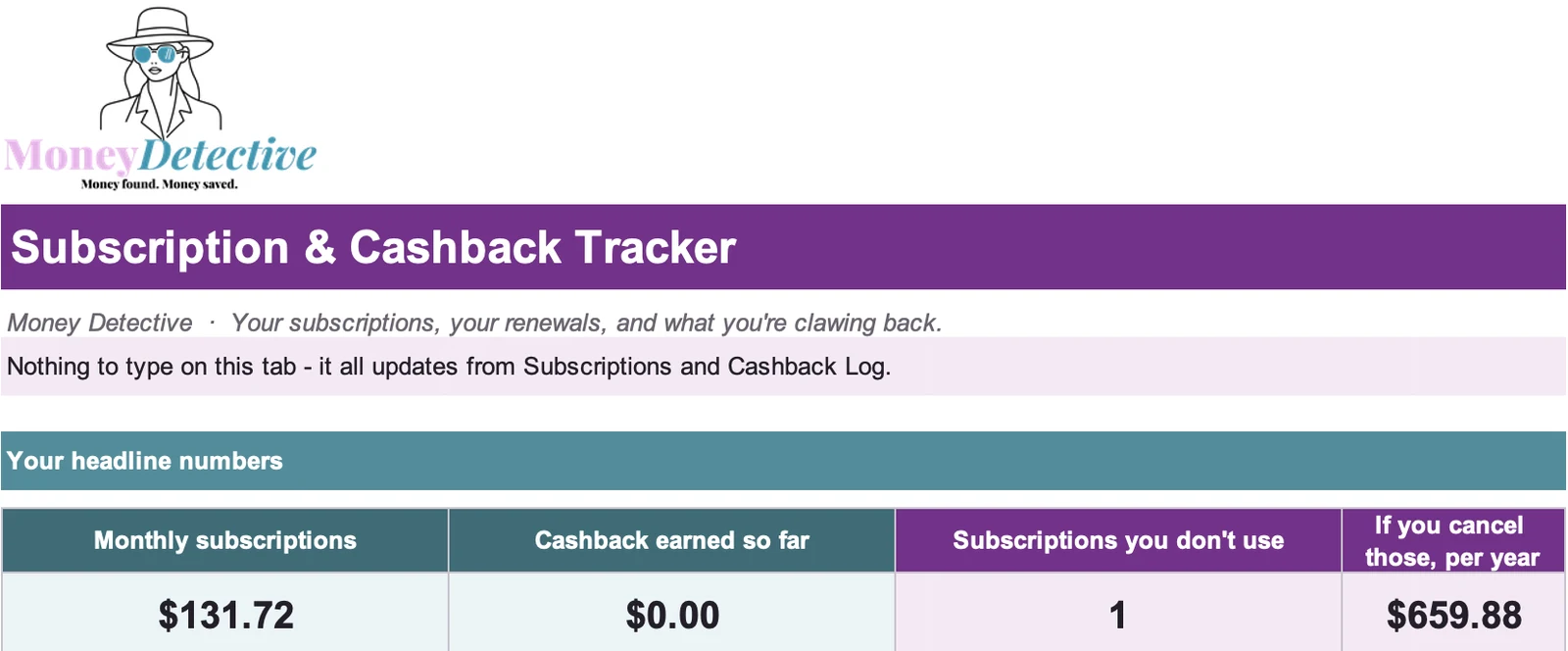
What your subscriptions cost each month, the cashback you've earned, and what you'd save each year by cancelling the ones you don't use. It also shows what renews in the next 7 days. Screenshot shows the example data.
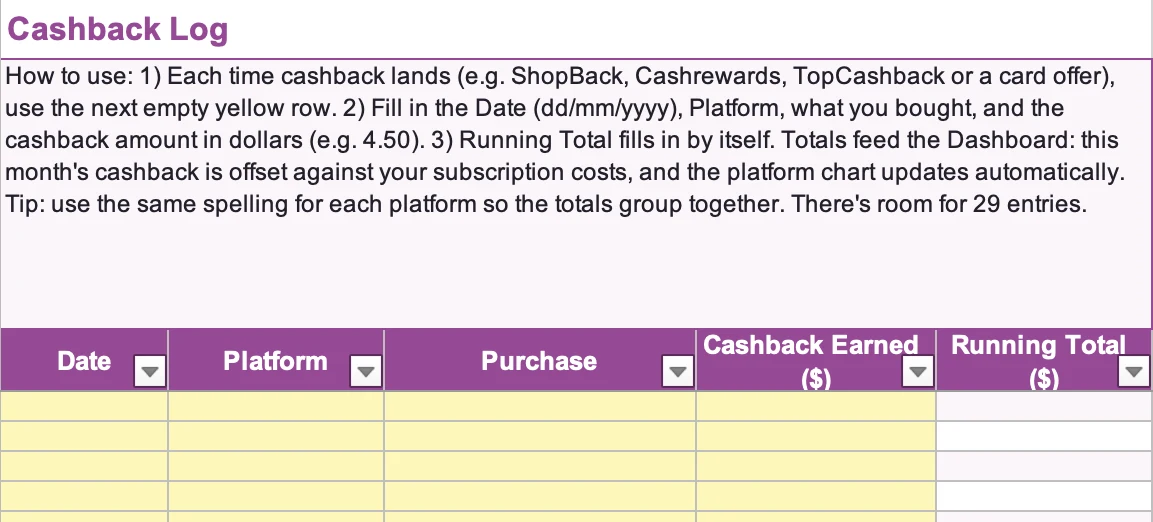
Every cashback platform, every purchase, tallied automatically, so you actually know what you've earned.
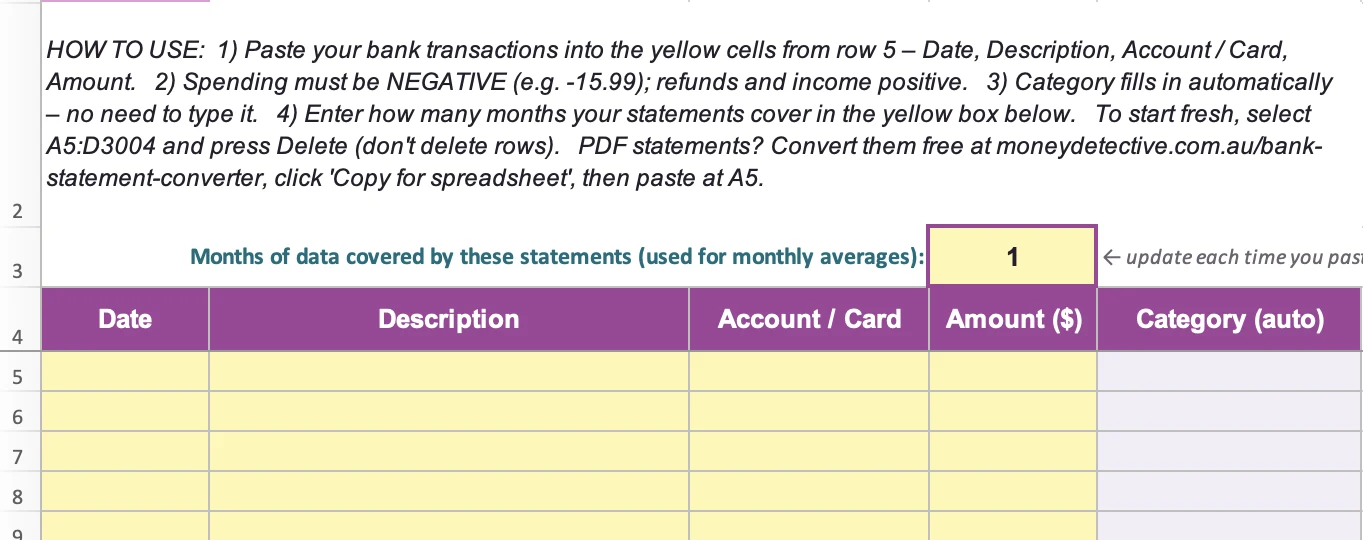
Paste three or more months of your bank statement and the tracker lists anything charged in 3 or more separate months, so you can spot subscriptions you forgot about.

Check each one before you act, then copy the ones you want to keep tracking into your Subscriptions list.
This tracker exists because I kept discovering subscriptions I'd forgotten about, and cashback I'd never actually claimed. It's built to make both of those things impossible to lose track of.
Yes. It works in Microsoft Excel and Google Sheets.
No. You never provide login details. You type in your subscriptions and cashback yourself. If you want to find hidden subscriptions, you can paste in rows from your own bank statement. Only have a PDF? The free Money Detective statement converter turns it into rows you can paste.
No, it flags what's worth reviewing. Cancelling is still up to you.
The Google Sheets version can be viewed and edited on mobile.
No. This is an educational budgeting and organisation tool.
You get immediate access to the downloadable file and a short setup guide.
One list for what's coming out, one log for what's coming back.
Get the Tracker →